itunes每月自动扣10块钱怎么取消?
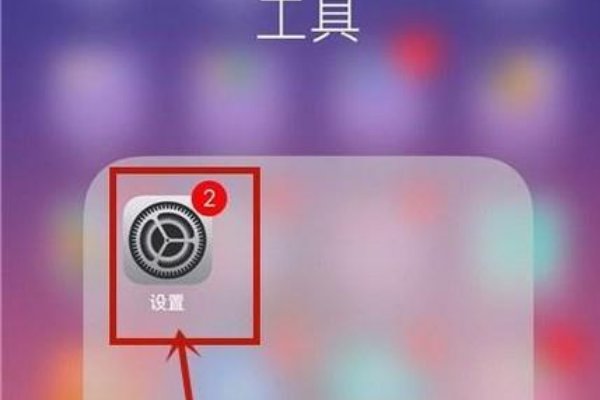
的有关信息介绍如下:1、在我们的手机桌面上找到设置并点击它
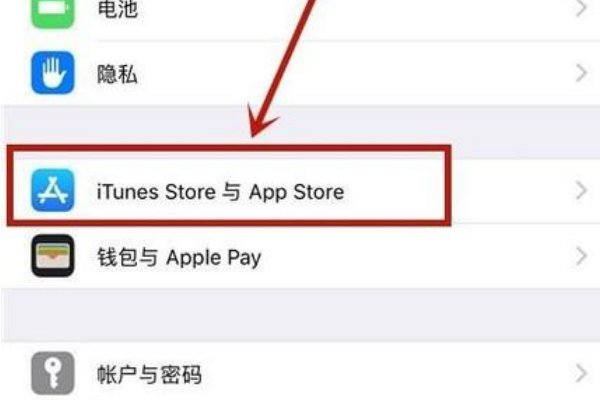
2、点击itunes store与App Store
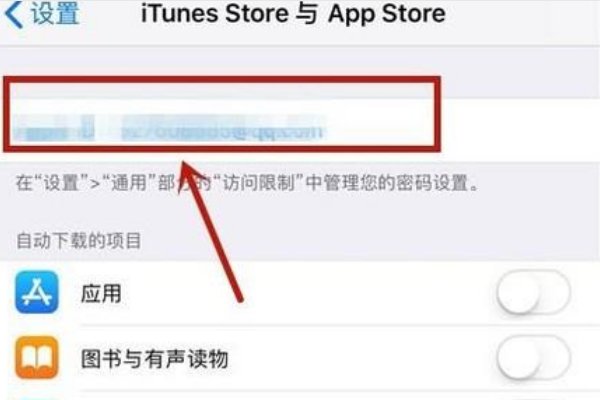
3、点击我们的AppleID
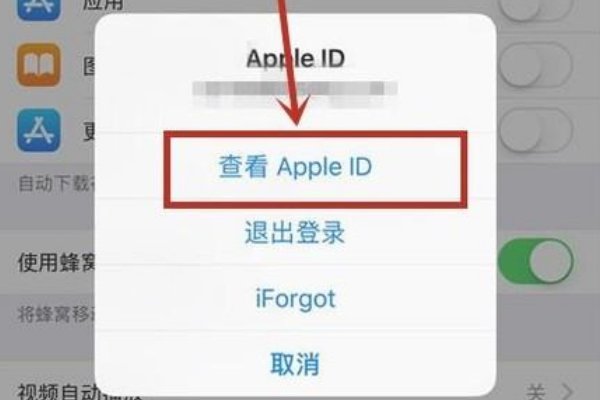
4、点击查看appleid
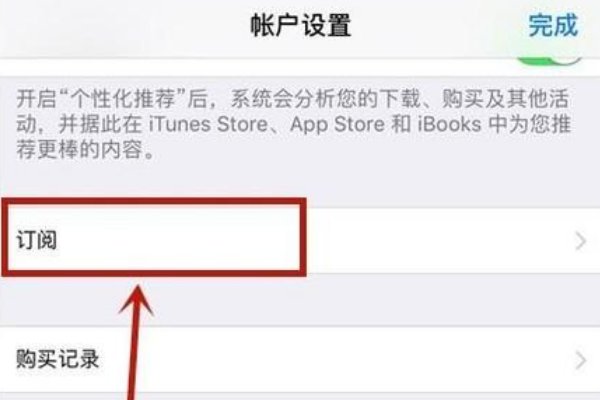
5、点击订阅
6、选择我们要取消续费的功能并点击取消订阅
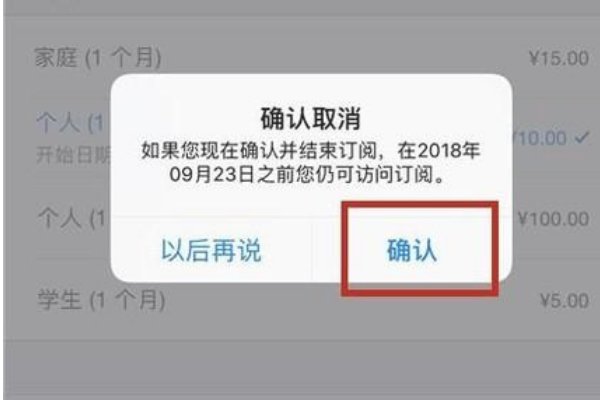
7、最后点击确认就可以了。

 Simone
发布于 2026-03-29 02:16:18
809 阅读
Simone
发布于 2026-03-29 02:16:18
809 阅读
1、在我们的手机桌面上找到设置并点击它
2、点击itunes store与App Store
3、点击我们的AppleID
4、点击查看appleid
5、点击订阅
6、选择我们要取消续费的功能并点击取消订阅
7、最后点击确认就可以了。